Switching from Power BI
Switch from Power BI: the AI reads your report and rebuilds it
Save your report as a Power BI project and upload it in the chat. The AI agent reads the pages, visuals and DAX measures and proposes the same dashboards on your data in DigiData. You review the proposal and confirm. After that you share with the whole team, with no licence per user.
14 days free · no start-up costs · cancel monthly
Can you move Power BI reports to DigiData?
Yes. DigiData reads a Power BI project (PBIP): the format in which Power BI Desktop saves a report and its data model as readable text files. The AI agent turns the report pages into dashboards and the DAX measures into measurements on your data in DigiData. Every measurement is tested before you confirm anything, and nothing is created without your approval.
What you get
What you gain by switching
Your reports come with you. This is what you get on top.
No licence per user
You pay for the platform and per integration. Everyone on the team can view without another licence being added.
Change it by asking
Ask the AI agent for an extra chart, a different layout or a new measurement. You can also adjust things in the visual editor.
Works in any browser
You build and view in the browser, on a Mac too. There is no desktop program to install.
Presentation mode
Put a dashboard on the TV screen or in the meeting. It pages through by itself and repeats per project or team.
Ask your figures questions
The AI agent answers questions with the same measurements as the dashboard, in the browser and in Teams or Slack.
The integration replaces your connector
With Power BI you pay for a connector or data platform on top of the licences to get the data out of your software. With DigiData that is part of the price per integration.
Connect your sources
Connect the software your report runs on, such as Exact Online, Twinfield or Simplicate, or connect your own PostgreSQL or SQL Server database. For that you pay for the platform only. Already using DigiData as the OData feed for Power BI? Then the data is already there.
Save the report as a Power BI project
Open the report in Power BI Desktop and choose File, Save as, Power BI project (.pbip). Zip the folder, without the .pbi folders that hold the local cache.
Upload the ZIP in the chat
Attach the file in the chat with your AI agent. The agent reads pages, visuals, measures, tables and sources.
Review the proposal
You get an overview of the measurements and dashboards that will be created. For each visual it says what happens to it and why.
Confirm and share
Once you approve, the dashboards are ready. Adjust them in the chat or the editor and share them with the team.
What the AI reads
What the AI agent takes from your Power BI project
A Power BI project holds the full structure of your report. The agent reads the whole project, not just the front.
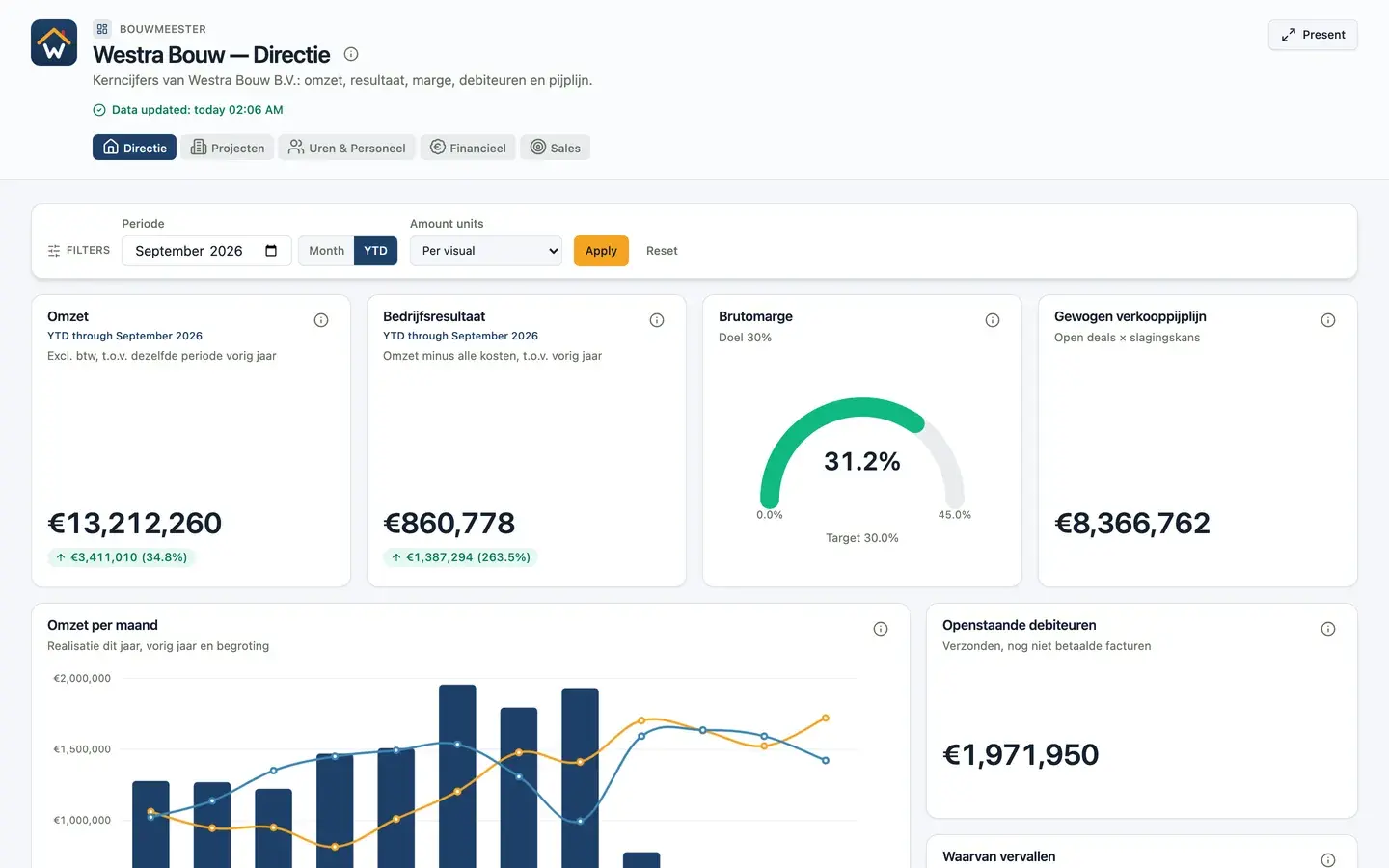
Open the live example- Report pages and their layout
- Visuals: tables, matrices, charts, maps and KPIs
- DAX measures from the data model
- Tables, relationships and the sources they come from
- Slicers and filters
- Bookmarks, drillthrough and interactions between visuals
- Tooltips, mobile layout and theme colours
The project holds the structure of your report, not the data. The data comes from your integrations in DigiData.
What comes across
From Power BI element to DigiData
Most elements have a direct counterpart. Where they do not, the proposal says so.
| In Power BI | In DigiData |
|---|---|
| Report with pages | Dashboards grouped as a report, with a tab per page |
| Visuals | Widgets in 17 types, from table and matrix to waterfall, funnel and map |
| DAX measures | Measurements on your data, each tested before you confirm |
| Slicers | Dashboard filters that drive all widgets at once |
| Bookmarks | Named views |
| Drillthrough | Click through to a detail page or detail view |
| Theme and logo | Theme colours and your own logo |
| Free layout in pixels | A 12-column grid that scales with the screen |
| Custom visuals and free shapes | No direct counterpart. The proposal says per visual what happens to it |
The import takes over the structure of your report, not the data. A source that is not in DigiData yet needs to be connected first or uploaded as CSV.
Saving
What do you save on licences?
With Power BI you pay per user, with DigiData a fixed amount for the platform. You pay for the connection to your source separately with both. Enter your own numbers and see the difference per year.
All about comparing Power BI costsCalculate your saving
What you pay to get the data out of your software.
From €50 per integration. Leave at 0 with your own database.
DigiData is cheaper from 7 users.
Amounts exclude VAT, both on annual billing. The DigiData platform costs €95 a month; on annual billing you pay 10 months. Microsoft prices checked on 5 October 2026. Hours for building and administration are not included.
Can I upload a .pbix file?
Not directly. Open the .pbix file in Power BI Desktop and save it as a Power BI project (.pbip). That is a folder of text files that you zip and upload. The ZIP can be up to 100 MB.
Does my data come across too?
No, and it does not need to. A Power BI project holds the structure of the report, not the data. The data comes from the integrations in DigiData, from your own PostgreSQL or SQL Server database, or from a CSV upload.
Is everything rebuilt one to one?
Pages, common visuals, measures, filters and click-through have a counterpart in DigiData. Custom visuals and pixel-level layout do not. The proposal shows per visual what happens to it, so you know before you confirm.
Are the figures right after switching?
Every measurement is tested on your own data while the proposal is prepared. After that, put a few known totals, such as last month's revenue, next to your Power BI report. As long as you are unsure, both can keep running side by side.
Can I keep using Power BI while I switch?
Yes. The same data stays available as an OData feed for Power BI and Excel. You can switch report by report and keep Power BI for the reports you want to leave there.
What do I save by switching?
Power BI Pro costs €12.10 per user per month. DigiData does not charge per user, so the saving grows with the team. Check it with the calculator on this page.
Who can import a Power BI project?
Administrators, in the chat with an AI agent in the web app. Nothing is created until you have confirmed the proposal.
14 days free · no start-up costs
Shall we move your first report together?
Bring your Power BI report to a 20-minute demo. We show you what the AI agent makes of it.
